
Dodo vs OpenCall: which one should you pick?
Two ai healthcare tools, side by side. We compare pricing, features, ratings, and target users so you don't have to read two separate reviews.
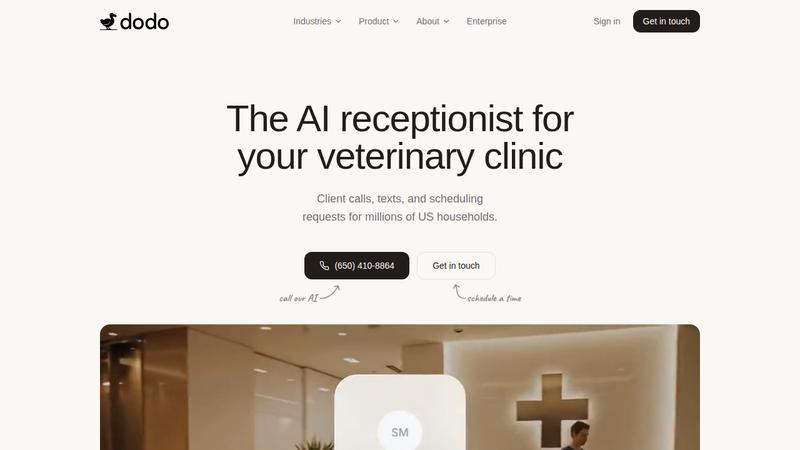
Dodo
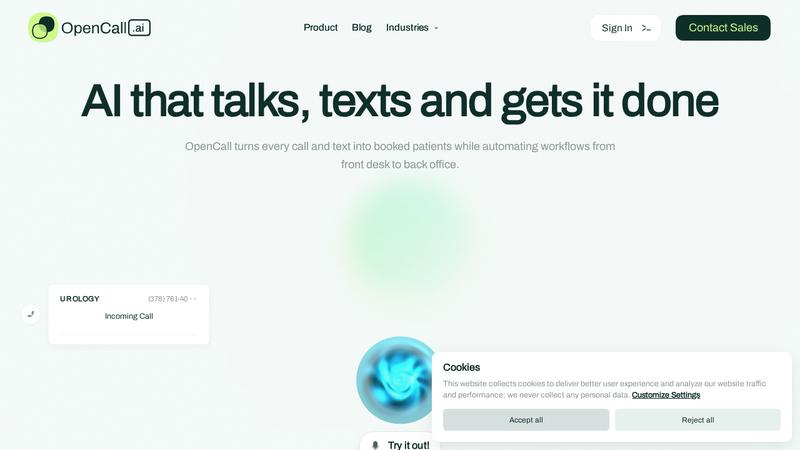
OpenCall
Pricing
Paid
Pricing
Paid
Category
AI Healthcare
Category
AI Healthcare
Platform
web, api
Platform
web, api
Best for
AI receptionist for veterinary clinics
Best for
AI phone and scheduling for medical practices
Dodo features
- Manage phone calls and messages
- Manages phone calls and messages
- Automatically schedule appointments
- Automatically schedules appointments
- Prevent overlapping bookings
- Guards against overlapping bookings
- Creates prescription refills
- Create prescription refills
- Direct urgent cases to team
- Directs urgent cases to team
- Scrutinizes communications for insights
- Analyze communications for insights
- Integrate with leading PIMS
- Integrates with leading PIMS
OpenCall features
- Handle phone and text intake
- Automates phone and text intake
- Verify insurance eligibility
- Verifies insurance in real-time
- Capture data in real-time
- Books and reschedules appointments
- Schedule through PMS/EHRs
- Triages and escalates complex cases
- Triage and escalate requests
- Syncs records with PMS/EHR
- Provides 24/7 call coverage
- Sync patient records
- Integrate with Google tools
- Integrates with Google tools
- Reduces front-desk workload
Use cases side by side
Dodo
- •Appointment scheduling automation
- •Automate veterinary reception
- •Communication management
- •Schedule pet appointments
- •Urgent case triage
- •Manage prescription refills
- •Prescription refill processing
- •Route urgent cases
- •Practice integration support
- •Analyze clinic communications
OpenCall
- •Automate patient intake
- •Verify insurance
- •Schedule appointments via phone/text
- •Schedule appointments
- •Verify insurance eligibility
- •Triage requests
- •Triage and escalate calls
- •Reduce front-desk workload
- •Sync records with EHR
- •Reduce missed calls
More like Dodo
See all Dodo alternatives →
More like OpenCall
See all OpenCall alternatives →