
Lifestack vs HyperSleep: which one should you pick?
Two sleep & rest tools, side by side. We compare pricing, features, ratings, and target users so you don't have to read two separate reviews.
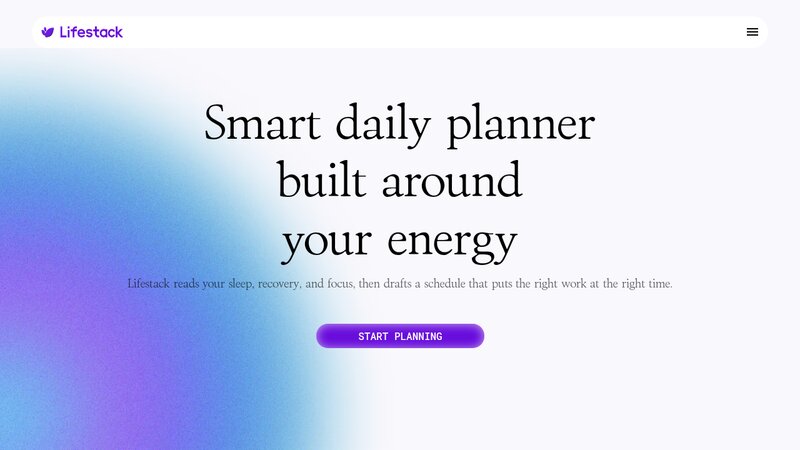
Lifestack
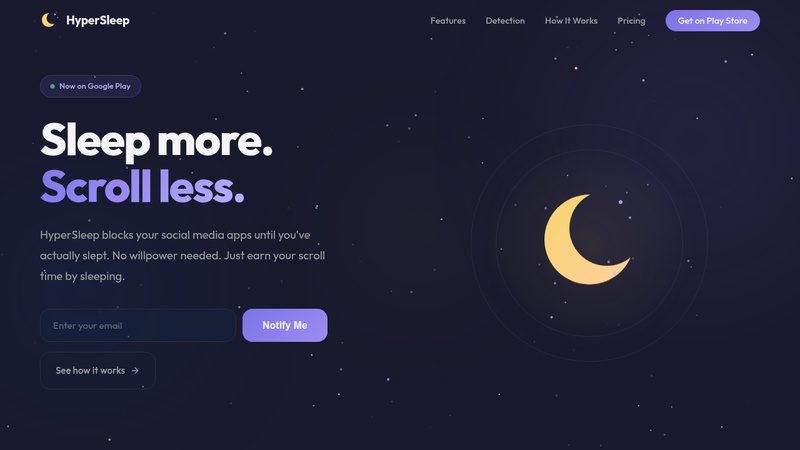
HyperSleep
Pricing
Freemium
Pricing
Freemium
Category
Sleep & Rest
Category
Sleep & Rest
Platform
ios, android, web, mac, chrome
Platform
android
Best for
Schedule tasks based on sleep and energy levels
Best for
Sleep-verified app unlocking with rewards.
Lifestack features
- Integrates sleep and recovery data from wearables
- Integrates with wearable sleep and recovery data
- Drafts daily schedules based on energy levels
- Creates daily schedules based on energy levels
- Aligns important work with peak energy zones
- Plans tasks during peak focus times
- Provides AI copilot for daily decisions
- Helps avoid burnout by aligning with natural rhythms
- Maps meals and rest around daily demands
- AI-powered calendar optimization
- Shows health data in calendar context
- Analyzes health metrics for scheduling
- Protects user data and time
HyperSleep features
- Verify sleep with multiple signals before unlocking apps
- Block apps with smart overlay, not force-close
- Set flexible bedtime schedules and active days
- Take 5-minute quick breaks with accountability cost
- Track streaks and get morning recap
- All data stored on-device, no cloud or accounts
Use cases side by side
Lifestack
- •Schedule tasks during peak focus
- •Schedule tasks by energy levels
- •Avoid burnout by planning around energy
- •Plan work during peak focus
- •Balance meals and sleep with work
- •Avoid burnout with rhythm alignment
- •Manage ADHD with energy-aware planning
- •Optimize calendar with sleep data
- •Integrate health data into calendar
HyperSleep
- •Block social media at night
- •Earn app access via sleep
- •Track sleep streaks
- •Set flexible bedtime schedules
- •Take controlled breaks
More like Lifestack
See all Lifestack alternatives →
More like HyperSleep
See all HyperSleep alternatives →