
Juno vs PainTracker: which one should you pick?
Two ai healthcare tools, side by side. We compare pricing, features, ratings, and target users so you don't have to read two separate reviews.

Juno
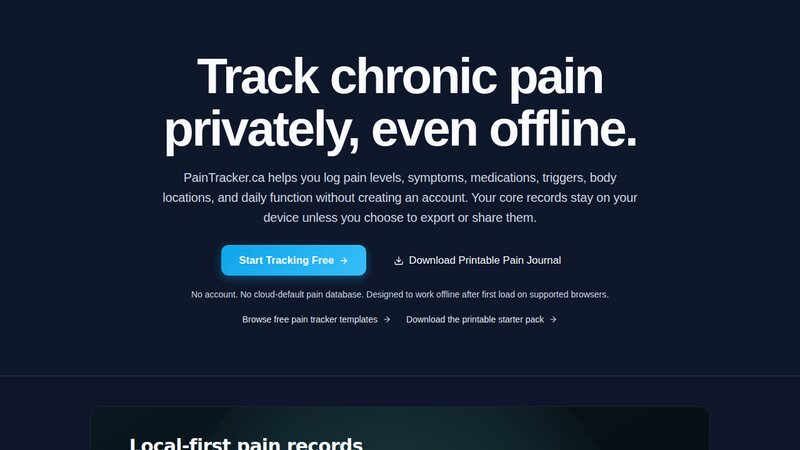
PainTracker
Pricing
Freemium
Pricing
Free
Category
AI Healthcare
Category
AI Healthcare
Platform
ios
Platform
web
Best for
AI assistant connecting illness data and patterns
Best for
Track pain, symptoms, and medication offline
Juno features
- Connects health records and biometric data
- Watches for small changes in symptoms
- Surfaces patterns and signals daily
- Compares new symptoms against baseline
- Generates one-page doctor-visit summary PDF
- Pacing feature adds rest breaks when needed
- Daily conversation for insights and actions
PainTracker features
- Offline-first pain and symptom logging
- Log pain and symptoms
- Tracks medications, triggers, and function
- Track medications and triggers
- No account required to use
- Monitor daily function
- Private by design with local data
- Work offline without account
- User-controlled data export
- Export user-controlled data
- Fast-loading progressive web app
- Privacy-first design
- Simple interface for bad days
Use cases side by side
Juno
- •Track chronic illness symptoms
- •Monitor medication changes
- •Prepare for doctor visits
- •Manage daily energy pacing
- •Identify symptom triggers
PainTracker
- •Log daily chronic pain levels
- •Track chronic pain
- •Track medication and trigger patterns
- •Log medication usage
- •Monitor symptom and function changes
- •Identify symptom triggers
- •Export personal health data privately
- •Monitor daily function
- •Use app without internet connection
- •Export health data
More like Juno
See all Juno alternatives →
More like PainTracker
See all PainTracker alternatives →