
Fasten Health Review
A Go + Angular self-hosted personal health record for viewing FHIR medical records with encrypted local storage.
Each review covers deployability, value versus commercial alternatives, and privacy model. Tools that can run locally were started and exercised; mobile or backend-dependent tools were assessed from published builds, source code, and deploy guides. Ratings reflect what we were able to verify.
Fasten Health — Open Source Self-Hosted Personal Health Record
A Go + Angular self-hosted PHR for viewing FHIR medical records, with encrypted local storage and multi-user family support planned. Last updated: 2026-06-21.
One-sentence verdict: The most serious open-source medical-record project in this batch — a real self-hosted PHR for users comfortable with Docker and willing to manually import FHIR bundles.
What the System Is
Fasten Health On-Prem is a self-hosted personal/family health record. It is built as:
- Go backend serving a FHIR-aware API.
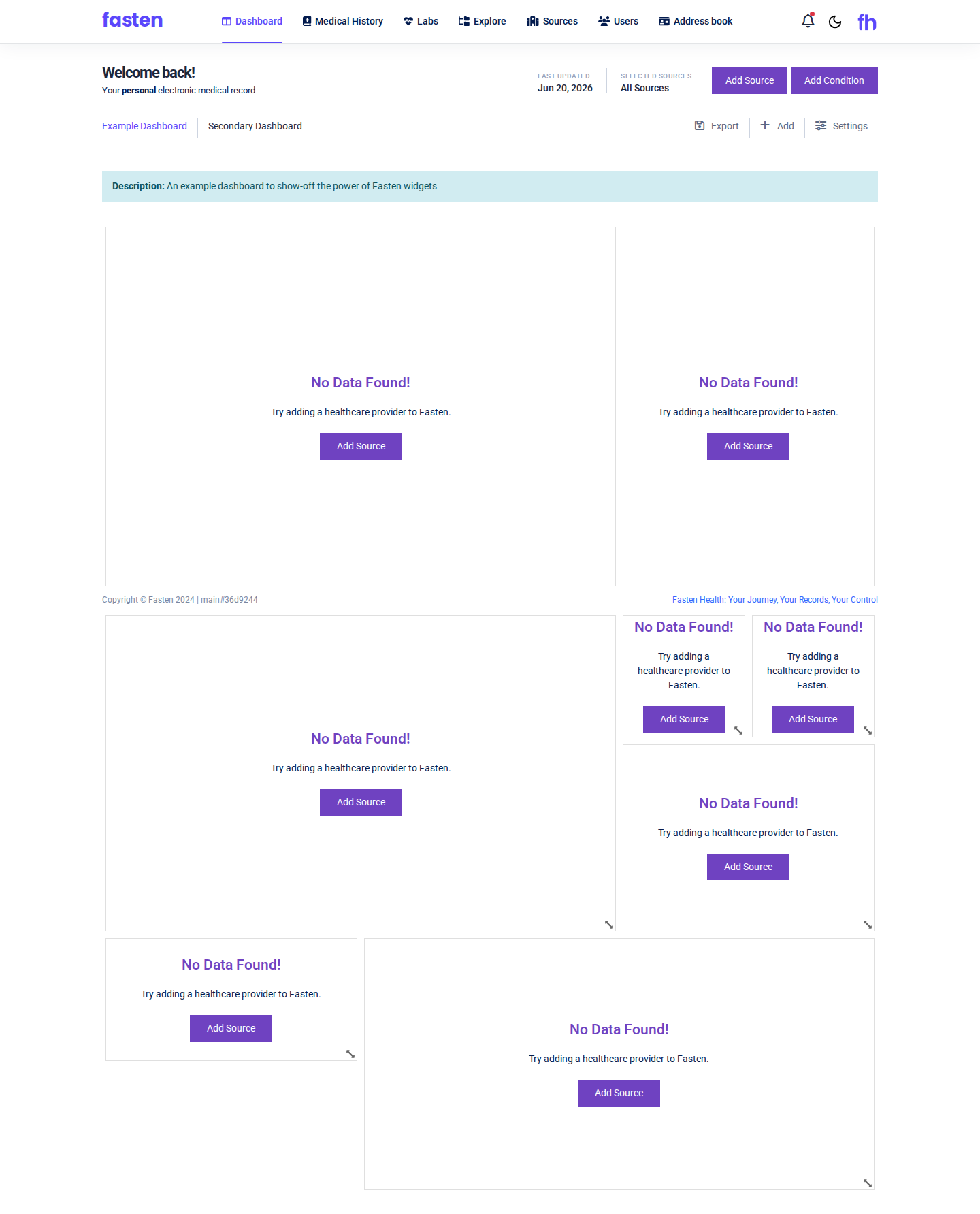
- Angular SPA frontend for dashboards, sources, medical history, and labs.
- Docker Compose deployment with self-signed HTTPS certificates generated on first run.
- Encrypted local storage — the first-run flow forces the user to download an encryption key.
The project explicitly states that it does not integrate directly with EHRs or healthcare providers. Data must be entered manually or imported as FHIR bundles exported from another source. It is maintained separately from the commercial Fasten Connect product.
| Key data | |
|---|---|
| Category | Medical Records / PHR |
| Language | Go + Angular |
| License | Check repository (GPL-style) |
| Self-hosted | Yes |
| AI | None today; "future" offline ChatGPT-style query is listed |
| Database | Embedded / local (via Docker volume) |
| Deployment | Docker Compose |
How to Install and Deploy
cd /data2/docker/going-global/repos/fasten-onprem
chmod +x set_env.sh
./set_env.sh              # generates .env with HOSTNAME / IP / PORT
docker compose -f docker-compose-prod.yml up -d
First run creates self-signed certificates in ./certs. Open https://localhost:9090 and accept the browser warning for the self-signed cert.
On first use you must:
- Download and save the encryption key shown by the app.
- Register an administrator account (for example,
testuser / TestPass123!). - Log in to the dashboard.
How to Test
The documented test flow is:
- After
docker compose up, verifyhttps://localhost:9090returns the setup screen. - Download the encryption key and store it somewhere safe; losing it means losing access to the data.
- Register an account and log in.
- Explore the Dashboard, Sources, Medical History, and Labs modules.
- Add a manual record or import a FHIR Bundle if one is available.
- Verify that records persist after logging out and back in.
Because the app does not connect to provider EHRs, the main value depends on the user having exportable FHIR data or being willing to enter records manually.
Privacy & Compliance
Fasten Health is designed for personal/family use, not for covered entities. It is not advertised as HIPAA compliant. The self-hosted model keeps data on your own machine, which is a strong privacy foundation, but compliance depends on the host environment, access controls, backup policy, and encryption-key handling. Do not store others' PHI unless you have a proper compliance posture.
Fasten Health vs Commercial PHRs / Patient Portals
| Dimension | Fasten Health | Commercial PHR / Patient Portal |
|---|---|---|
| Cost | Free / self-hosted | Often free with provider; some paid PHRs |
| Data location | Your own server | Vendor/provider cloud |
| Provider sync | Manual FHIR import only | Often automatic via patient portal APIs |
| Family accounts | Planned / basic multi-user | Varies |
| Mobile apps | No native app listed | Often yes |
| Setup effort | High: Docker, HTTPS, key backup | Low: sign up |
| Open source | Yes | No |
Who Should Use It
- Technically capable users who want a self-hosted medical record.
- People who already have FHIR bundles they can import.
- Privacy advocates who prefer local storage over cloud PHRs.
Who Shouldn't Use It
- Users who need automatic sync with hospitals, labs, or insurers.
- People who want a polished mobile app.
- Anyone storing PHI for patients or family members without a compliance review.
FAQ
Can Fasten Health pull records from my doctor?
No. The open-source On-Prem version does not integrate directly with EHRs. You must import FHIR bundles or enter records manually.
What happens if I lose the encryption key?
You lose access to the data. The first-run screen forces you to download the key; you must back it up safely.
Is this the same as Fasten Connect?
No. Fasten Connect is the commercial, hosted product with provider integrations. Fasten Health On-Prem is the community, self-hosted PHR.
Verdict
Fasten Health is the most serious open-source medical-record project in this batch. It gives users a real, self-hosted PHR with FHIR support and encrypted storage. The trade-off is high setup effort and no automatic provider sync. For the right user, it is a credible alternative to cloud patient portals.
Ratings: Deployability 3/5 · Value vs Commercial 4/5 · Privacy Compliance 4/5